
Questions at the counter
The things people ask most about Game Store Simulator.
What is Game Store Simulator?
A first-person simulator about running a video game store. You order stock, fill the shelves, serve customers at the checkout, buy trade-ins, hire staff and grow the shop through twenty levels of unlocks.
When does it come out, and how much will it cost?
The release date and price haven't been announced yet. Wishlist the game on Steam to be told when it launches.
Which platforms is it on?
Windows PC, through Steam. No other platforms have been announced.
Is there multiplayer?
No. Game Store Simulator is a single-player game.
Are the consoles and games real?
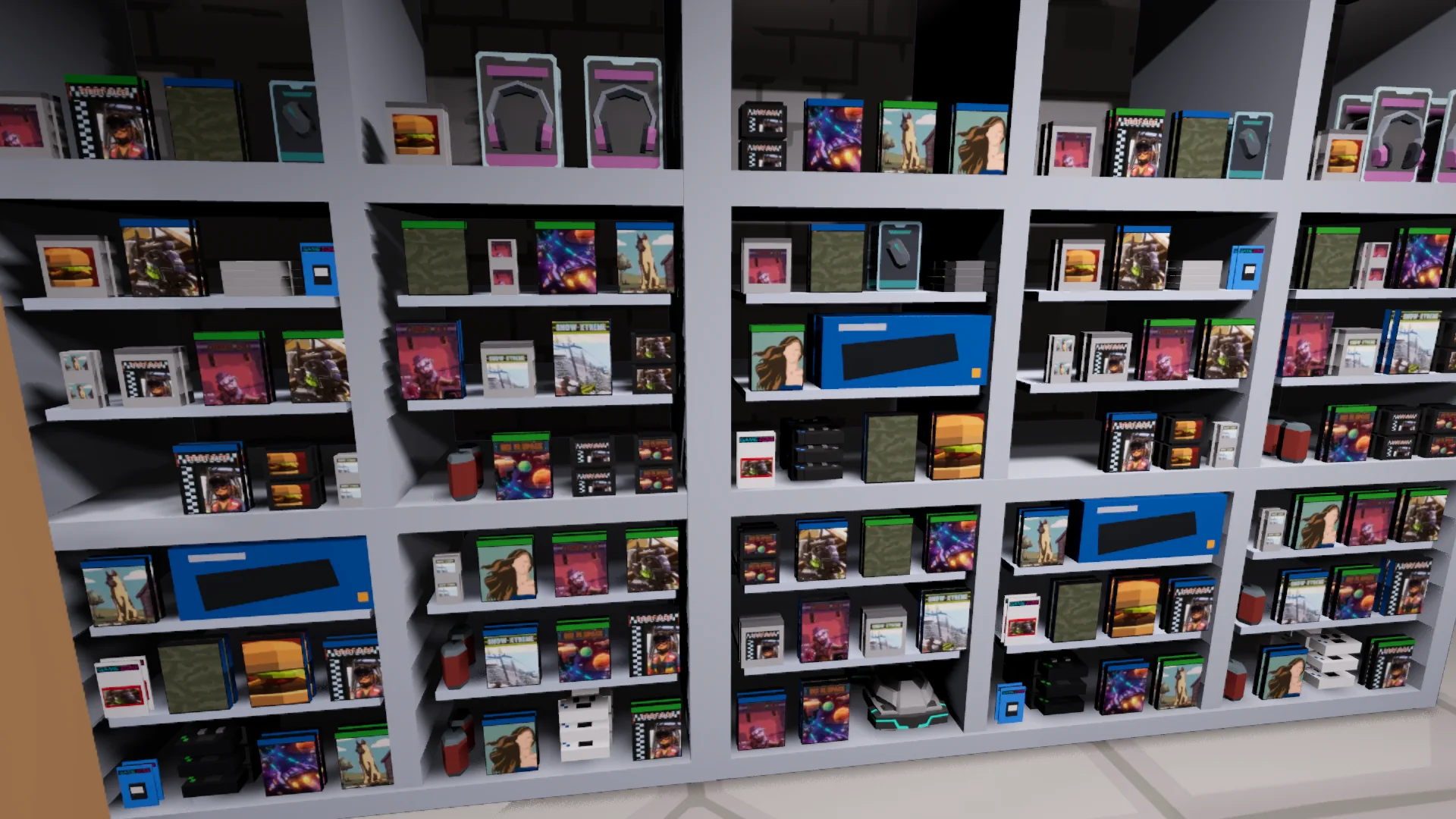
No. Every console, game and brand is made up: Pixel, Voltage 16, Pocket Pixel, Nexus 2, Nexus 5 and Voltage X, with titles such as Street Racer, Zombie Kill and Puppy Pals.
How long is a day in the shop?
About eight real minutes from opening at 8am to closing time. At the end of each day you read the daily report and choose when to start the next one.
Do I have to do everything myself?
At first, yes. From level 5 you can hire a cashier, and from level 10 stockers who carry deliveries to the shelves. Staff work on their own during the shifts you set, and you pay their wages at closing.
How do trade-ins work?
Buy the Trade-In Desk at level 5 and install it. Collectors then bring used games, and later consoles, to the counter. You offer a percentage of the current used value, in cash or store credit. Offer too little twice and the customer leaves angry. Accepted items go into small boxes behind the checkout, ready for the pre-owned shelves.
Can I go bankrupt?
Yes. Rent, utilities, tax, wages and stock all cost money. If the shop closes a day with a negative balance, the game is over, so keep an eye on the report.
Can I rearrange the store?
Yes. Buy fixtures on the office computer, then place them in build mode (B), rotate them (R) and pick them back up to move them. Later you can buy an expansion that opens a second sales room.
Is there a tutorial? How does saving work?
A new game starts with a short first-day tutorial that walks you through stocking, serving and ordering; you can skip it from the pause menu. There are five save slots with thumbnails, and Continue picks up your latest save.
Didn't find your answer? Write to .